

Latest Version
Wetransfer B.V.
iOS
Free
1569379048
Report a Problem
More About WeTransfer: Transfer Files
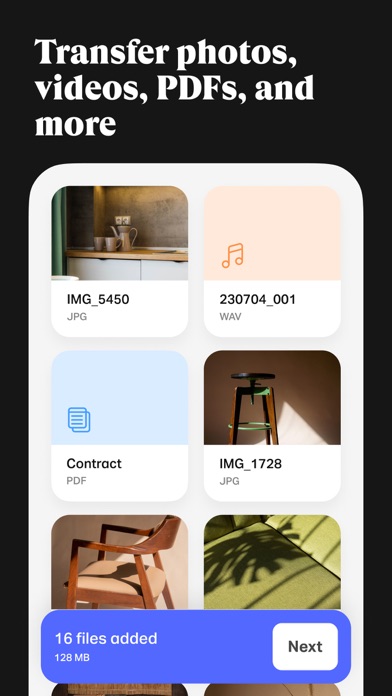
Picture this: you are standing on a bustling film set or at a remote wedding venue, and you have just captured a stunning 4K video clip that your client needs immediately. Email attachments will reject it instantly, and traditional cloud storage setup feels too slow. This is where the WeTransfer: Transfer Files app becomes an indispensable asset in your mobile toolkit.
The Seamless Way to Move Massive Media Assets
Developed by Wetransfer B.V., this iOS utility translates the legendary simplicity of the web-based sharing platform into a highly optimized mobile experience. Designed specifically for creative professionals, freelancers, and anyone dealing with hefty media loads, the application bypasses the typical hurdles of remote collaboration. Instead of compressing your high-fidelity photos or stripping out critical EXIF camera metadata, it preserves every single detail of your original files.
Key Features of WeTransfer: Transfer Files
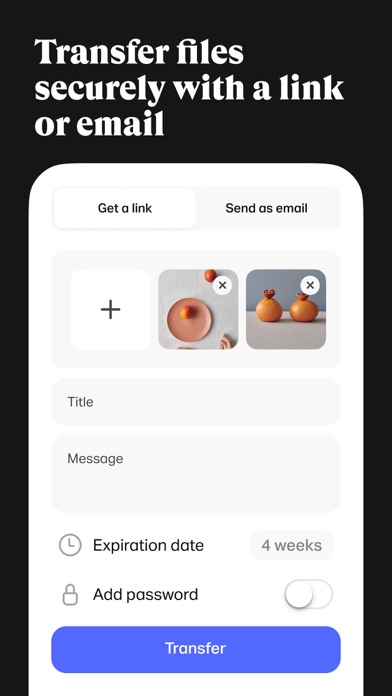
- Massive Transfer Thresholds: Depending on your account tier, you can initiate a transfer of up to 200 GB in one single transaction directly from your iPhone or iPad.
- Exemplary Metadata Preservation: Share professional camera shots without losing vital EXIF data, assuring your creative team receives exactly what you shot.
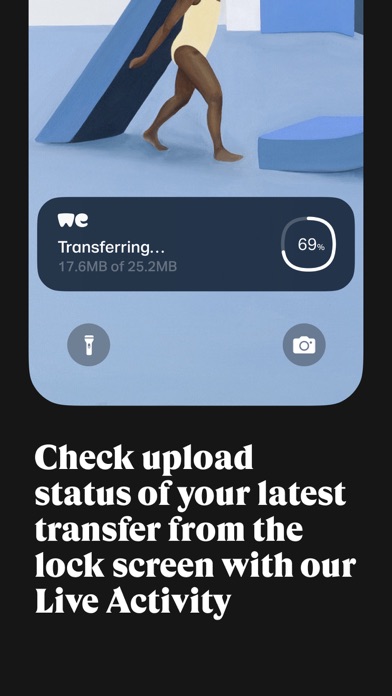
- Live Upload Tracking: Thanks to integrated Live Activities, you can monitor your upload progress in real-time on your lock screen while multitasking or responding to emails.
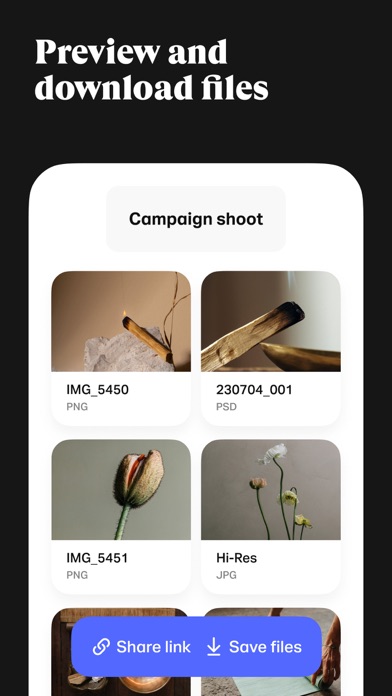
- Cross-Platform Continuity: Access links and files previously sent from your desktop browser directly within the mobile app, allowing you to quickly distribute links via your preferred messaging apps.
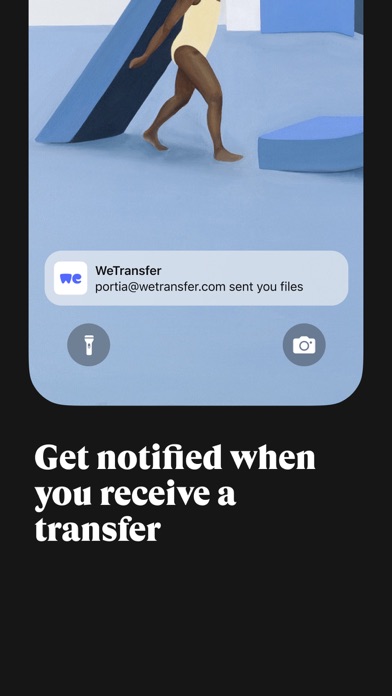
- Instant Notifications: Receive push alerts the precise moment your recipient downloads the files, or when someone sends assets your way.
Who is This File-Sharing Utility For?
While casual users will appreciate the ease of sending family videos, the WeTransfer: Transfer Files app is custom-tailored for the modern creative ecosystem. Photographers, videographers, graphic designers, and agency producers can easily manage their ongoing reviews. The app integrates seamlessly with the broader ecosystem, including Collect boards and review approval flows, making it much more than a simple transit system—it is a mobile production hub.
Pros and Cons for Mobile Professionals
Pros: No complex folder structures required; superb background uploading with Live Activities; instant access to historical transfer links; clean, ad-free interface aesthetics.
Cons: High-volume transfers over 200 GB require specific premium tiers; optimal performance relies heavily on a stable cellular or Wi-Fi network connection.
Streamline Your Creative Workflow Today
If you are tired of dealing with restrictive file limits and convoluted link generation on your mobile device, this application offers an elegant, production-ready solution. To integrate this powerful sharing tool into your creative pipeline, head over to the official App Store to download the application and experience hassle-free file transfers on the go.
Rate the App
User Reviews


Popular Apps










Editor's Choice