

Latest Version
LabyMedia GmbH
Sports
Linux
Free
net.labymod.LabyMod
Report a Problem
More About Laby Launcher
An Editorial Review of Laby Launcher: The Ultimate Minecraft Client Manager
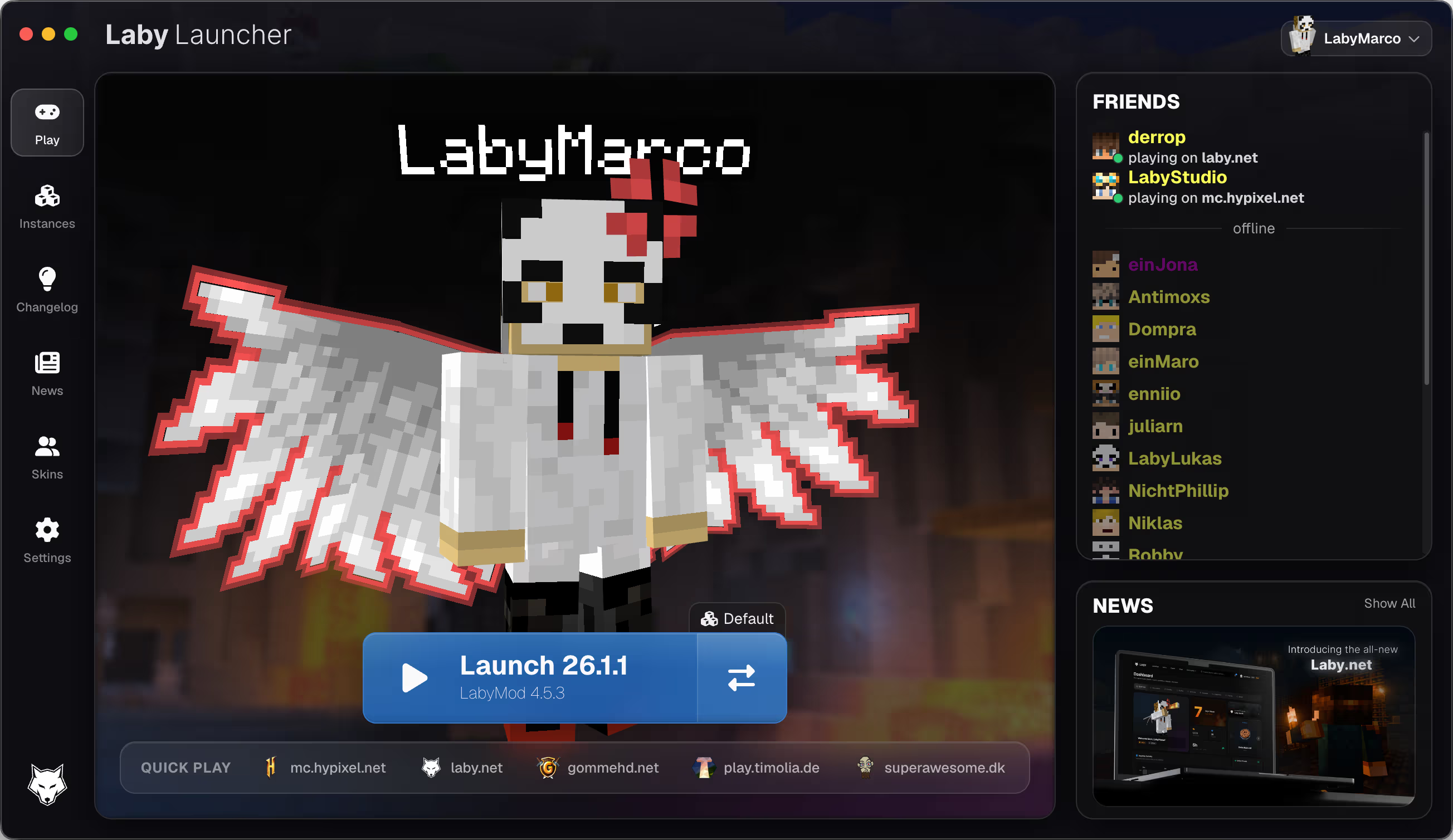
For dedicated Minecraft players on Linux, managing multiple game setups, performance mods, and cosmetic enhancements can quickly become a tedious chore. Enter the Laby Launcher Minecraft client manager, a streamlined solution developed by LabyMedia GmbH that unifies your entire Java Edition experience into a single, high-performance dashboard.
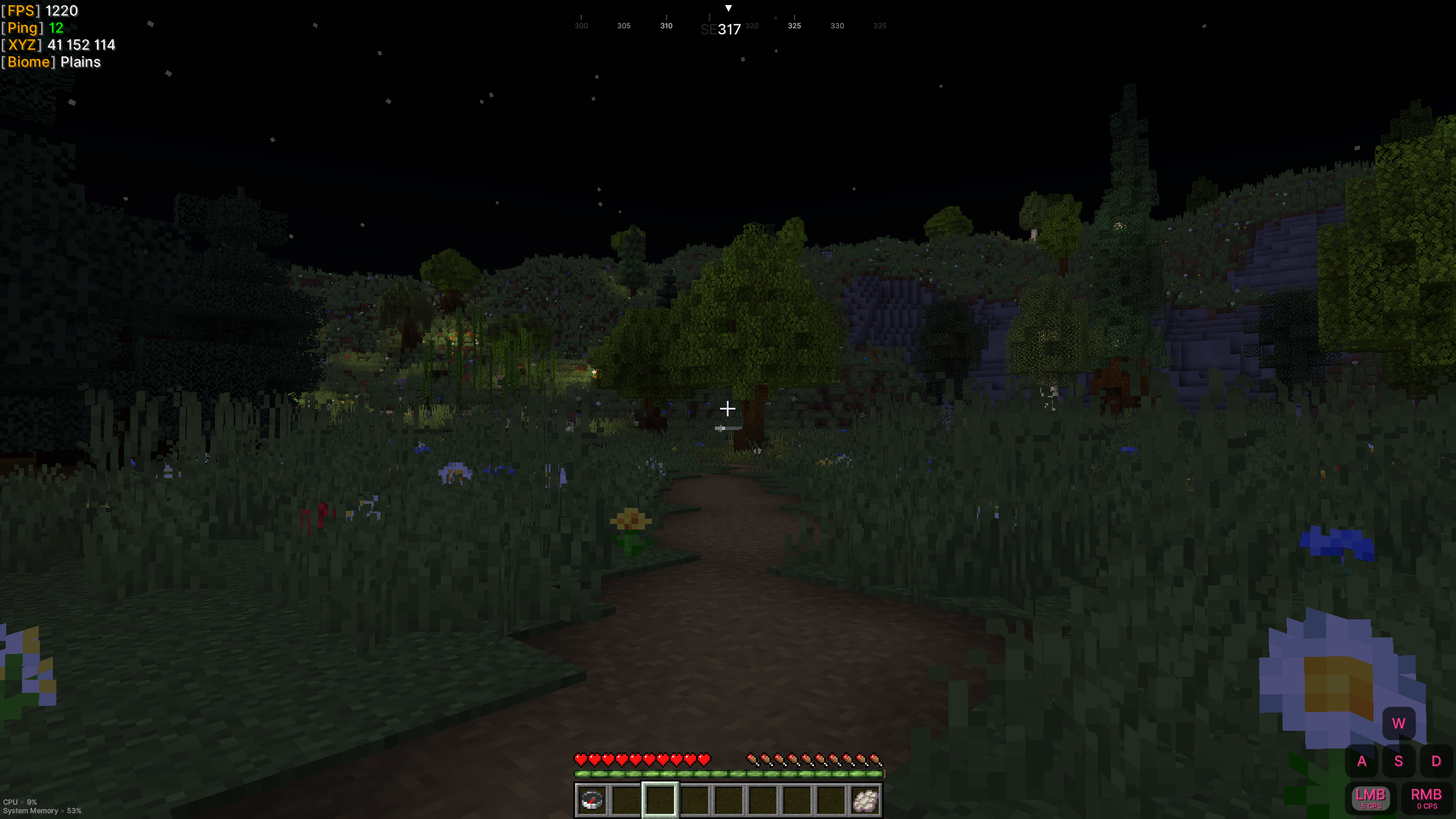
Rather than forcing players to manually configure complex mod packs or juggle separate third-party software, this launcher serves as a comprehensive hub. It natively delivers LabyMod, an all-in-one client that integrates over 300 popular mods, 3D voice chat, and custom visuals directly into your game with zero configuration hassle.
Who is Laby Launcher For?
This utility is specifically designed for Minecraft players who want to maximize their in-game performance without sacrificing visual flair or social features. If you are tired of dealing with frame drops, complex mod installations, or disjointed communication tools, the Laby Launcher Minecraft client manager offers an elegant way to centralize your gameplay on Linux, macOS, and Windows.
Key Features and Performance Benefits
- Drastic Performance Enhancements: By optimizing the underlying game engine, the launcher helps eliminate frustrating lag spikes, freezes, and low frame rates, offering up to double the standard performance.
- Multi-Instance Support: Beyond the core LabyMod client, you can easily create, run, and isolate separate instances for Vanilla, Fabric, Forge, and Quilt. You can even import existing setups from MultiMC or Prism.
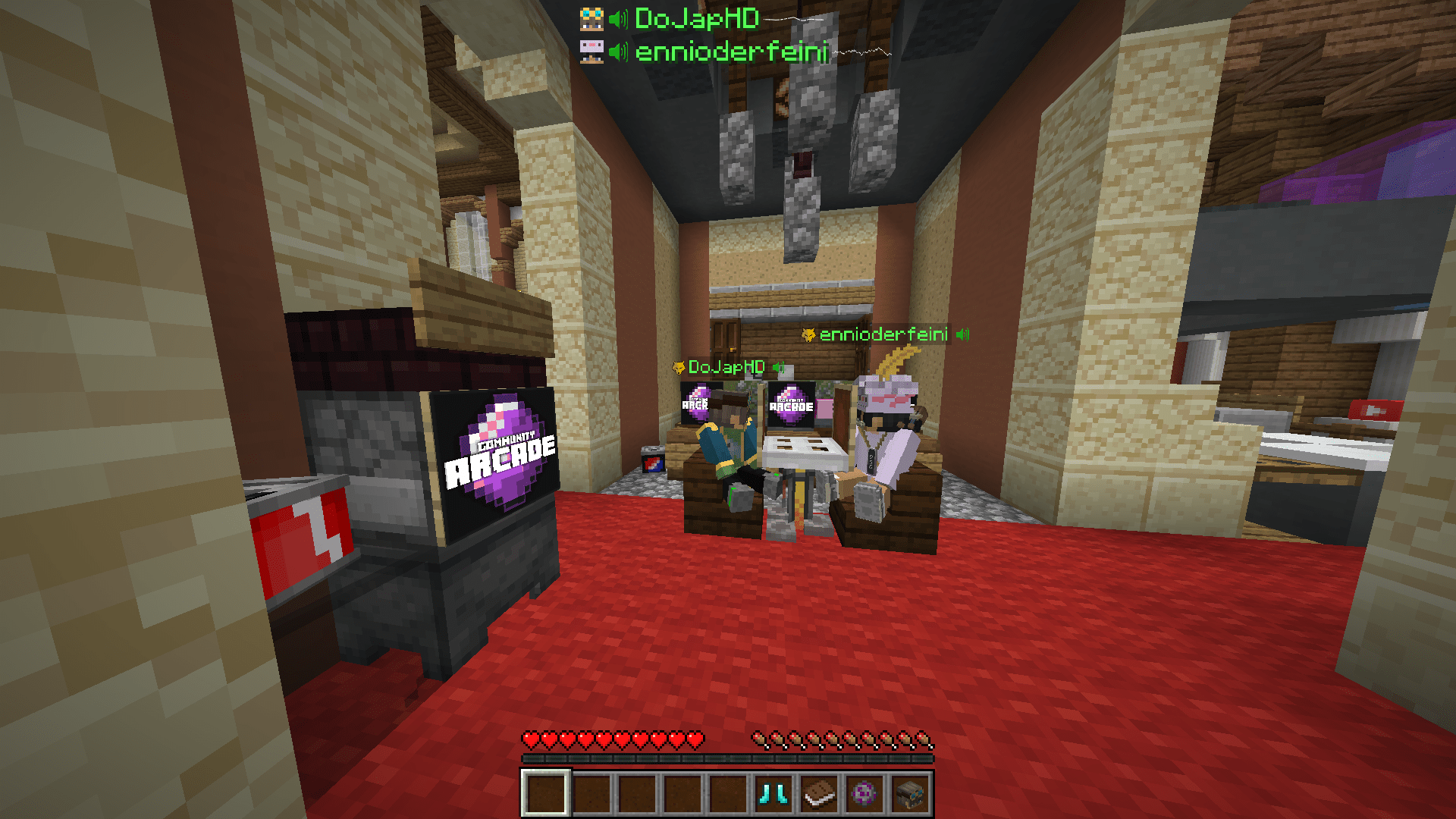
- Integrated 3D VoiceChat: Communicate with other players on any multiplayer server using built-in proximity audio and 3D surround sound, completely bypassing the need for external voice servers or plugins.
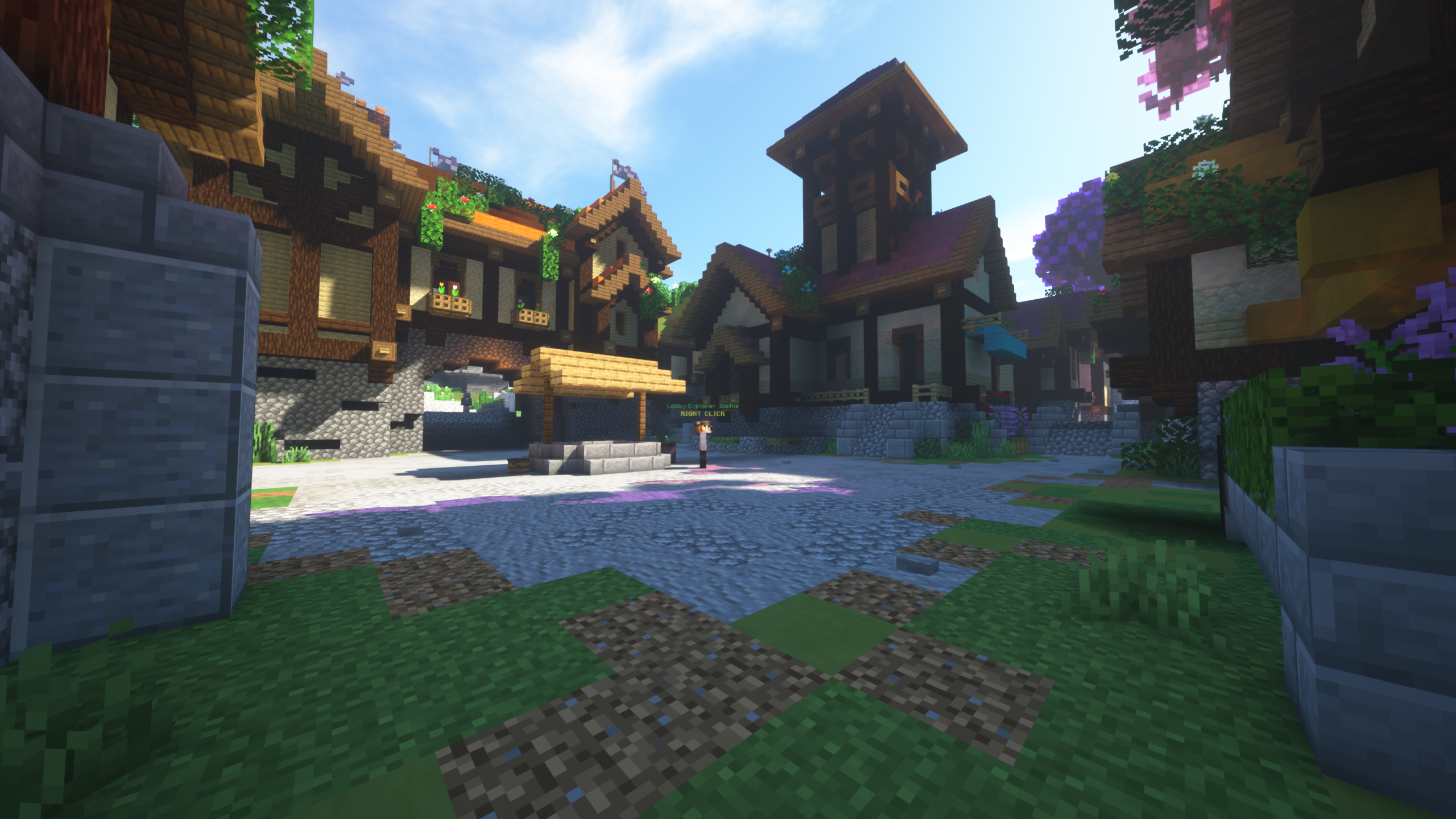
- Sophisticated Visual Customization: Instantly toggle between a sleek, high-resolution modern user interface and the iconic classic Minecraft aesthetic, while managing a rich library of animated cosmetics, skins, and 3D capes.
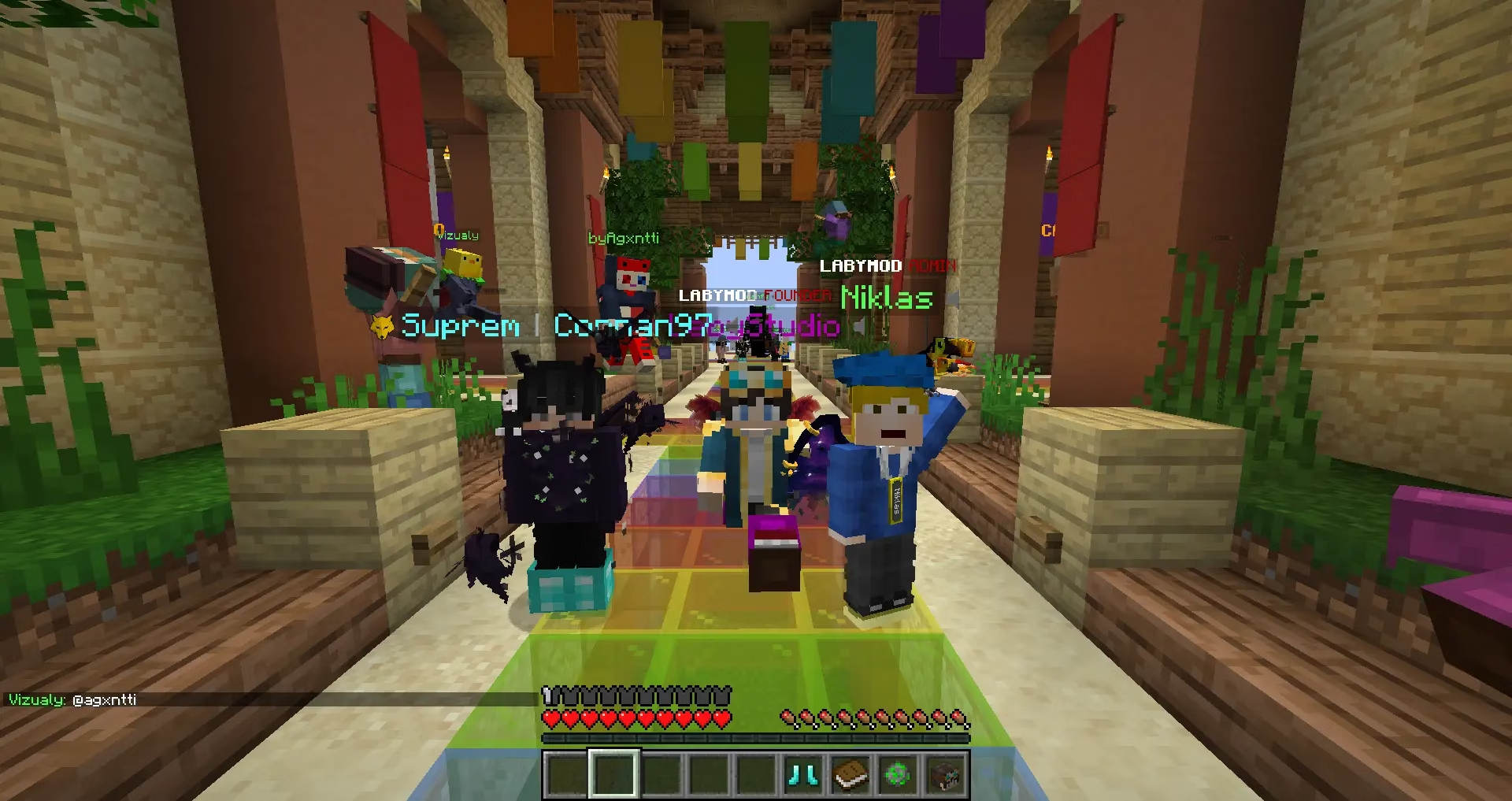
- Unified Social Tools: Keep in touch with your friends list across different servers using a flexible, server-independent chat system featuring tabbed windows.
A Smarter Way to Play Minecraft
What makes the Laby Launcher Minecraft client manager stand out is its ability to clean up your digital workspace. Instead of downloading separate tools for optimization, communication, and cosmetic management, everything is integrated into a unified, lightweight interface. It respects your system resources while offering a premium, highly tailored gaming environment.
If you are ready to elevate your Minecraft: Java Edition setup on Linux, we highly recommend exploring this tool. To learn more or to set up your own custom instances, visit the official Laby Launcher page on Flathub today.
Rate the App
User Reviews














Popular Apps










Editor's Choice