

Latest Version
Educatesoft
Sports
Windows
Free
9wzdncrdwzm9
Report a Problem
More About Sport Board
Picture this: you are in the middle of a high-stakes timeout, the crowd is roaring, and you have exactly sixty seconds to draw up a game-winning play. Fumbling with a physical dry-erase marker that is running out of ink is the last thing you need. This is where Sport Board sport whiteboard app steps in to streamline your coaching strategy on Windows devices.
Developed by Educatesoft, this digital tactical board is designed specifically for speed, adaptability, and ease of use when every second counts on the sidelines or during practice sessions.
A Complete Digital Playbook for Multiple Sports
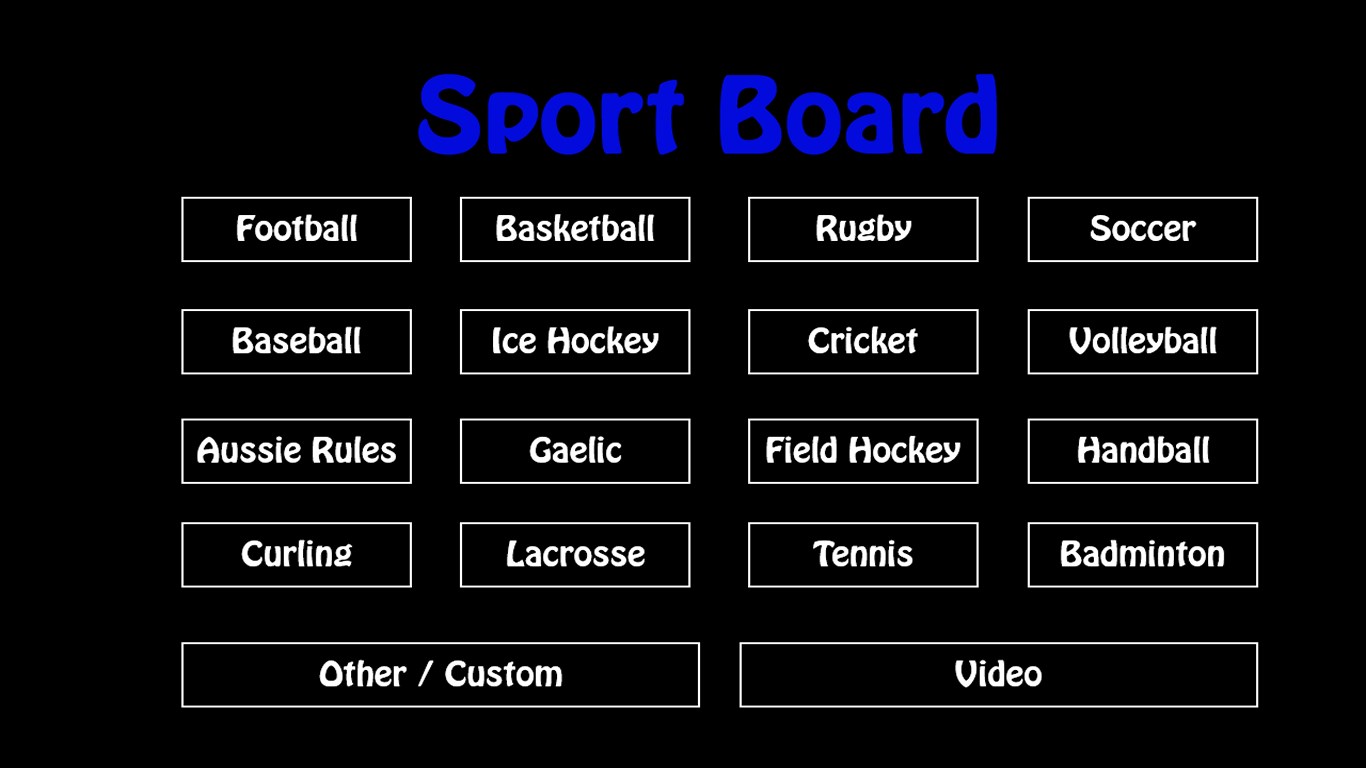
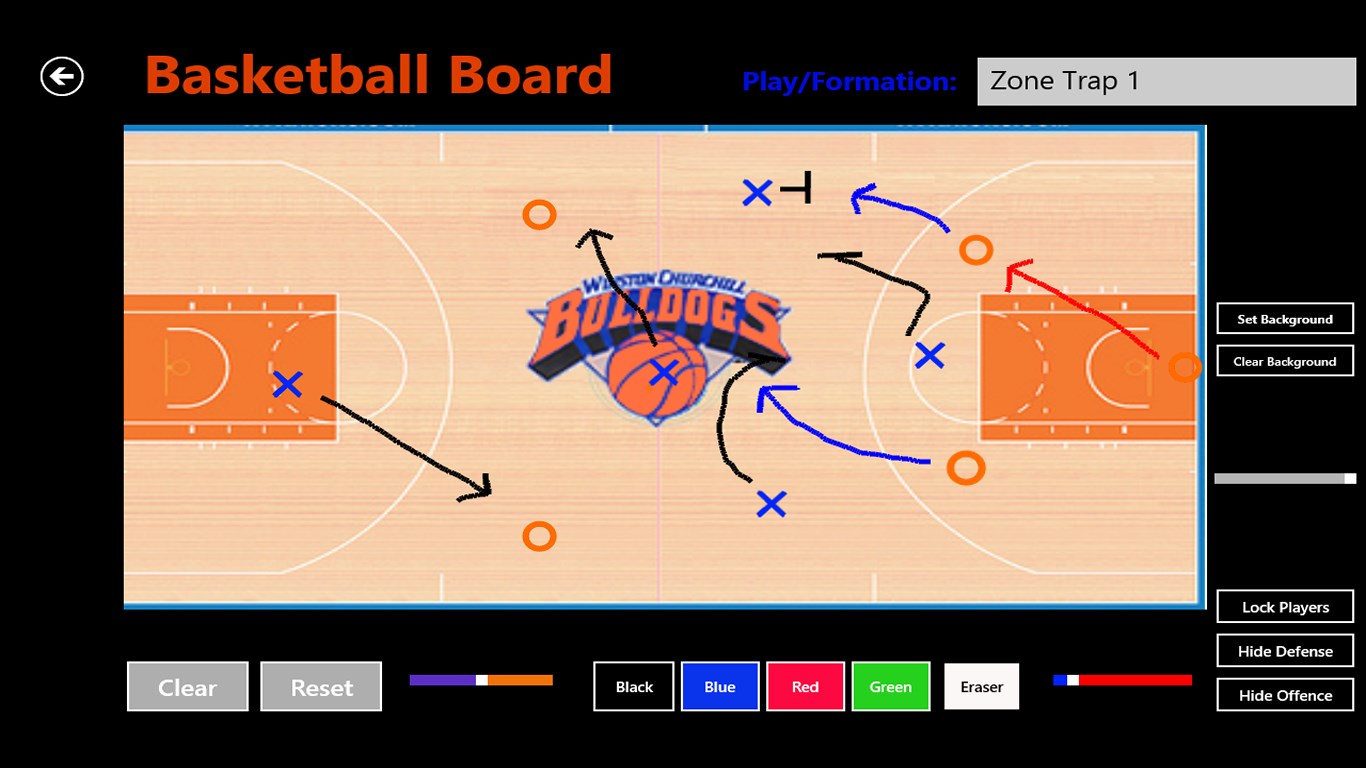
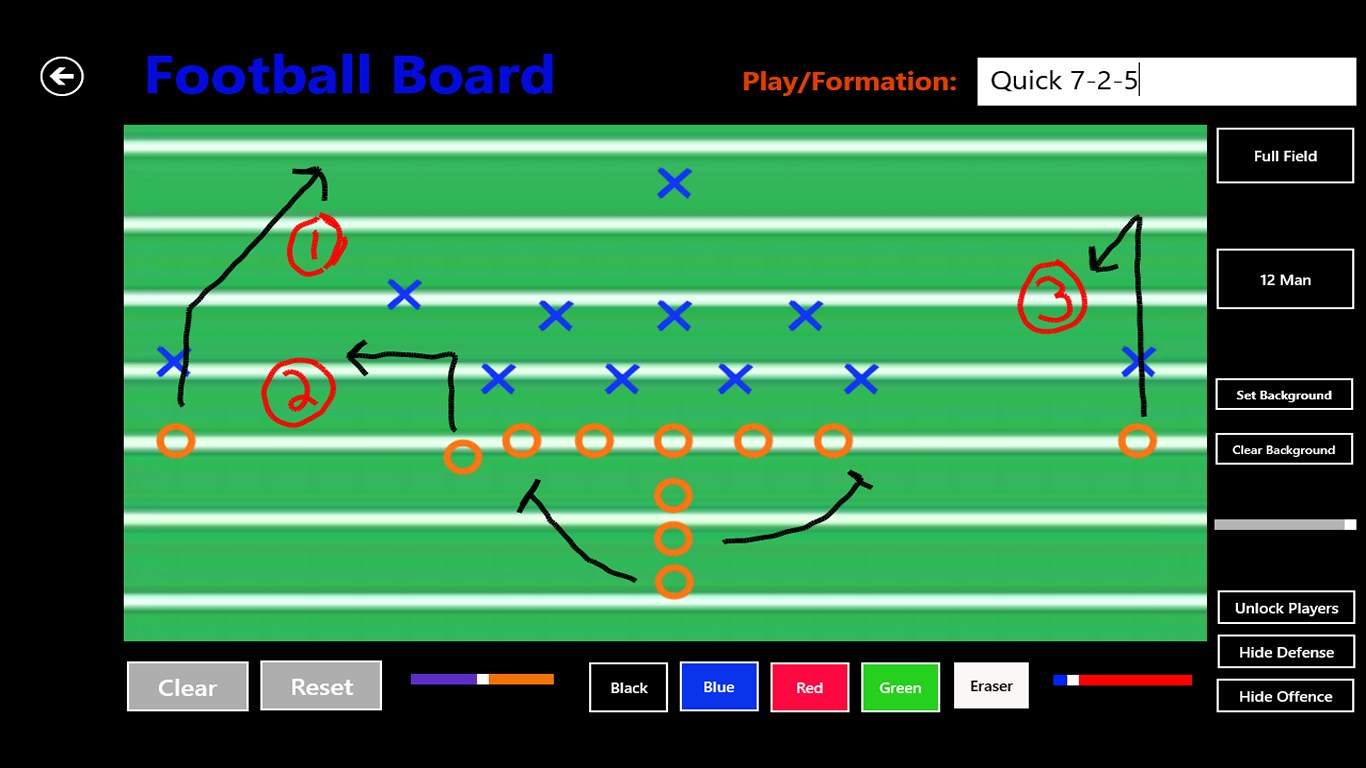
Many tactical apps limit you to just one sport, forcing coaches who manage multiple teams to purchase separate tools. The Sport Board sport whiteboard app solves this by offering built-in preset field displays for a massive variety of athletic disciplines, including:
- Court Sports: Basketball, volleyball (indoor and beach), badminton, and tennis.
- Field Sports: American and Canadian football, soccer, baseball, rugby, field hockey, lacrosse, Aussie rules, and Gaelic football.
- Ice & Turf: Hockey, curling, and cricket.
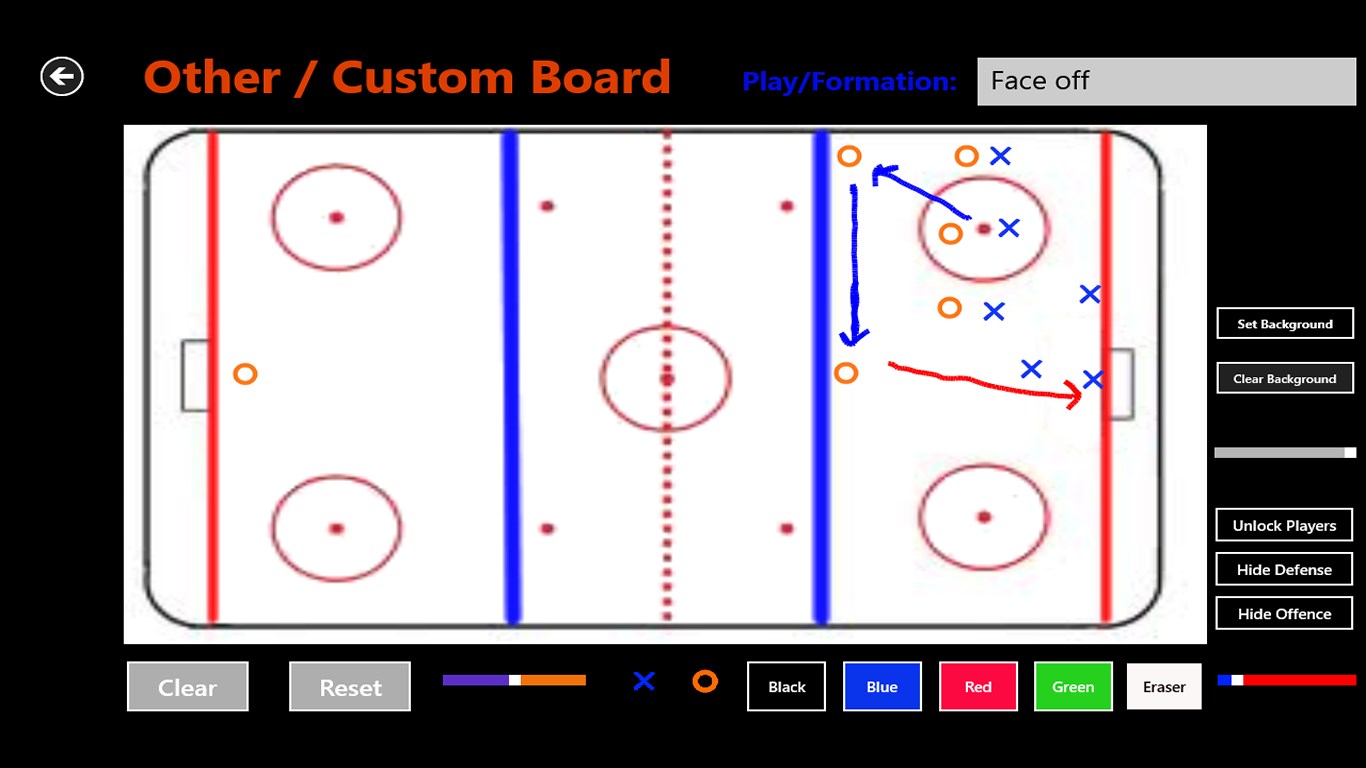
If your specific sport is not pre-loaded, the application features a custom view option. Coaches can easily upload their own field or court backgrounds directly from their local picture library, ensuring complete customization for any game or training drill.
Designed for Rapid Strategy Adjustments
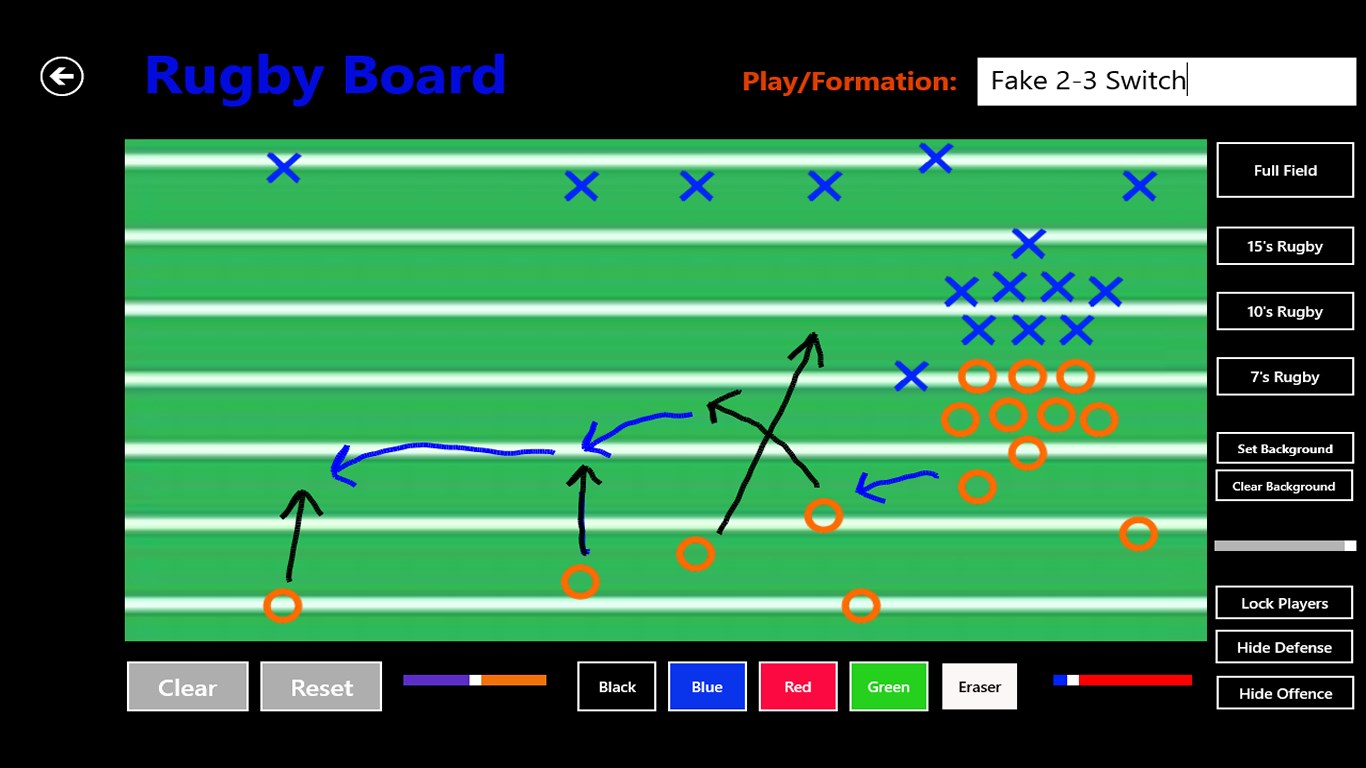
During a fast-paced game, you cannot afford to waste time resetting player positions manually. This Sport Board sport whiteboard app allows users to save up to six custom preset formations for each supported sport. With a single tap, you can align your team into their starting positions and immediately begin diagramming adjustments.
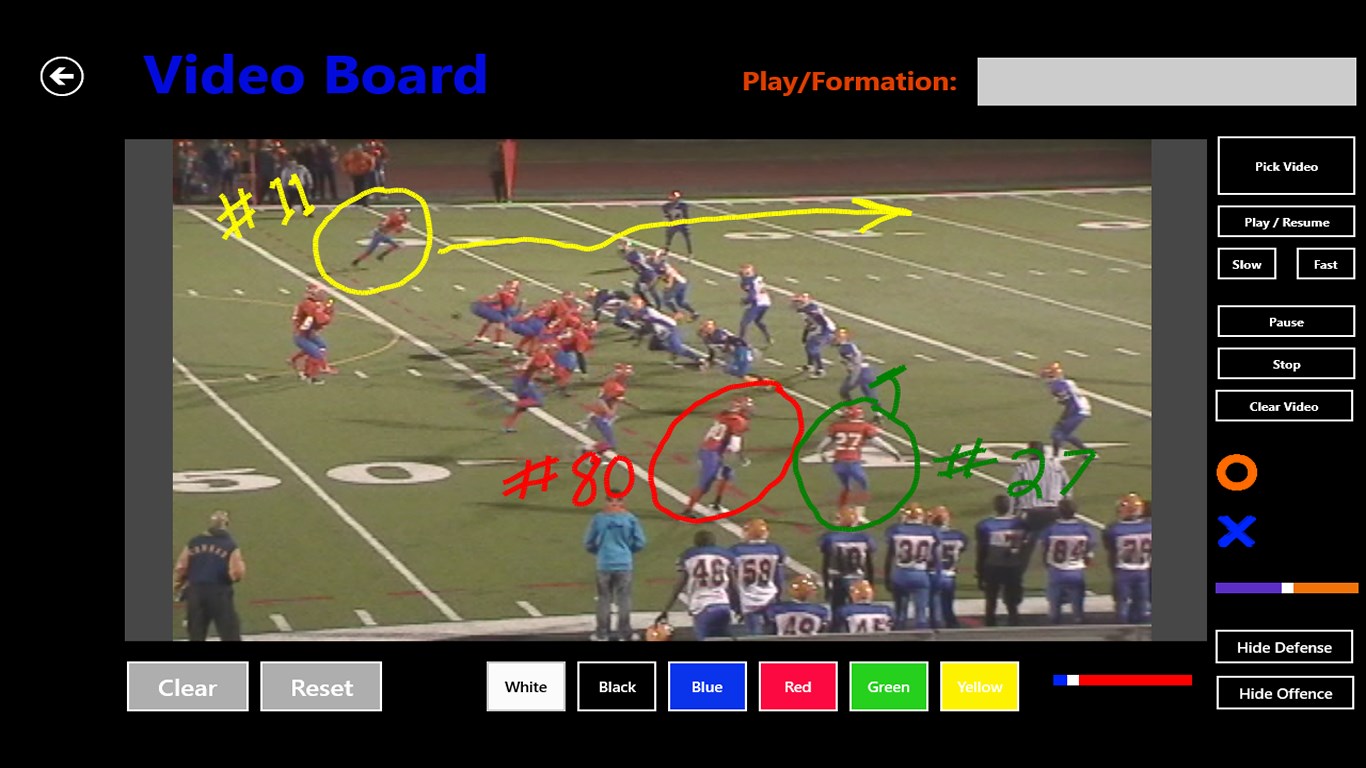
Additionally, a modern telestrator feature enables coaches to draw and diagram directly over video files, making it an excellent tool for post-game analysis or scouting opponent footage.
Ideal for the Locker Room and Projection Screens
While the app is built for rapid use during timeouts, it is equally effective for deep-dive team strategy sessions. By connecting your Windows device to a projector or large screen, you can run interactive playbook walkthroughs. For coaches who prefer physical handouts, you can easily capture your custom diagrams using standard Windows screenshot functionality to build high-quality, printable playbooks.
Whether you are a professional coach organizing complex plays or looking for a casual way to sketch out a friendly match, this tool offers the flexibility you need.
Where to Find the App
If you are ready to transition from traditional clipboards to a dynamic digital alternative, you can find more details and review user feedback on the official Microsoft Store page for this application.
Rate the App
User Reviews
Other Apps in This Category








Popular Apps










Editor's Choice